Best app to track recurring payments in Australia (2026)
Recurring payments are not just subscriptions. Rego, council rates, insurance, strata and memberships compared.
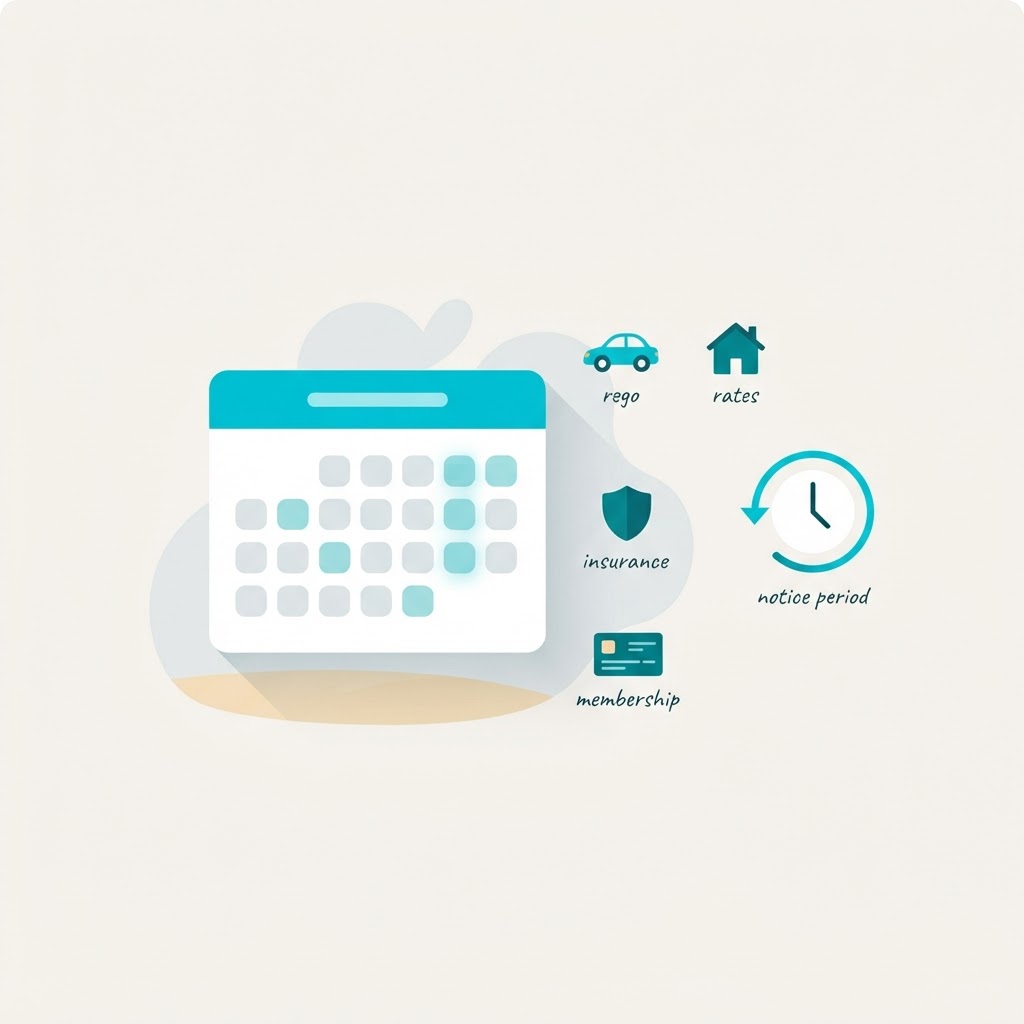
Most "subscription tracker" apps solve a smaller problem than the one you actually have.
A subscription is a recurring payment. But not every recurring payment is a subscription. The payments that hurt most are the ones that arrive once or twice a year, land as a shock, and sit outside every app built for streaming services: car rego, council rates, CTP insurance, strata levies, land tax, home and contents renewal, professional association fees, club memberships.
This page compares the apps that track recurring payments in Australia, and it is deliberately blunt about which one suits which household, including where the alternatives beat us.
Why "recurring payment" is a different question from "subscription"
Split the money leaving your account each month into four groups:
Subscriptions. Netflix, Spotify, iCloud, a fitness app. Monthly or annual, auto-renewing, no notice required. Easy to track, easy to forget.
Memberships. Gym, club, professional association, roadside assistance. Recurring, but usually locked to a notice period. You cannot just stop paying. You have to tell them first, often 14 to 30 days before the renewal date.
Utilities and insurance. Electricity, gas, internet, mobile, home and car insurance. Recurring, annual or monthly, and the price resets at every renewal without you doing anything.
Statutory and annual bills. Car rego, CTP, council rates, land tax, strata levies, water rates. Fixed dates, no auto-renewal, and a genuine late-payment penalty if you miss them.
A subscription tracker sees the first group. A budget app sees what already left your account. Neither sees group two properly, because the expensive part of a membership is the notice period, not the payment. And neither helps with group four at all, because those are not subscriptions and never appear in a "manage subscriptions" list.
The point of tracking recurring payments is not knowing what you spent. It is knowing what is about to happen, early enough to do something about it.
The annual cost is bigger than it looks, because you never divide it
A A$960 rego once a year feels like a once-off. It is A$80 a month. A A$1,850 council rates notice, usually split across four instalments, is A$154 a month. Add a home and contents renewal, a strata levy and a car service and the annual items alone routinely exceed what a household spends on streaming all year.
That gap is exactly why these payments get missed. A monthly subscription shows up twelve times and you notice it. An annual bill shows up once and gets absorbed.
Two habits fix this. First, divide every annual bill by twelve and treat that as its real monthly cost. Second, put the notice period in the same place as the due date, so the reminder arrives while you can still act.
What to look for in a recurring payments tracker
Five things separate a useful tracker from a subscription list with a logo:
1. It handles annual and irregular payments. If it only accepts "monthly" and "yearly subscriptions", it cannot hold your rego or rates.
2. It stores notice periods, not just due dates. This is the whole game for gyms, clubs, insurance and anything with a contract. A reminder on the renewal date is useless. A reminder 30 days before, while your notice window is open, is worth money.
3. No bank login. Open banking connections are convenient and they are also the single biggest privacy trade in personal finance apps. You should not have to hand over transaction history to be reminded that your rego is due.
4. Household sharing. In most households one person carries the entire mental load of the bills. If the tracker lives on one phone, that never changes.
5. Export. A calendar feed or CSV means your data is portable, and a calendar subscription is the difference between an app you open and reminders that come to you.
The apps, compared
Prices checked November 2026. This is a small, fast-moving category, so verify before buying.
| App | Best at | Free tier | Price | Bank login? |
|---|---|---|---|---|
| Digital Crate | Recurring payments beyond subscriptions: rego, rates, insurance, memberships, with notice periods | 5 subscriptions | Free tier, paid plans in A$ | No |
| SubTracker | Finding subscriptions you forgot, via bank statement scan | First three finds | A$29 once, A$99 full cleanup | No, uploads a statement |
| Bill Sorted | Household and property bills: rates, strata, insurance, EOFY records | 10 bills | From A$7.99/month | No, CSV import |
| Frollo | Full budgeting with open banking | Free tier | Freemium | Yes, connects |
| Rocket Money | Automatic detection and bill negotiation | Limited | US$7 to 14/month | Yes |
| Spreadsheet | Total control, zero cost | Free | Free | No |
Digital Crate
Built for the payments the other trackers skip. It stores subscriptions, memberships and annual bills in one list, each with its own frequency, renewal date and notice period, and it counts the reminder date backwards from the notice window: renewal date minus notice days. That means for a gym on 30 days notice, you are alerted while cancelling is still free, not after the contract rolls over.
Free for up to 5 subscriptions, with calendar export so renewals and action dates show up in your own calendar, and dashboard totals that show the annual cost of everything you are tracking. Household sharing is part of Premium. No bank connection at any tier.
Where it does not win: it does not scan a bank statement to find subscriptions for you, so the first setup is manual, roughly ten minutes. If your real problem is "I have no idea what I am paying for", SubTracker's statement scan is the better answer. And if you own multiple properties and need accountant-ready EOFY records, Bill Sorted is deeper than we are.
SubTracker
Australian, A$29 once, and the cleverest mechanic in the category: upload a bank statement as PDF, CSV or photo, and it finds your recurring charges with no bank login. First three finds free, three scans per rolling year. Rename, add what is missing, then it tracks renewals with email reminders and calendar sync. It also sells cancellation help at A$99 and refund chasing at 10% of the claim.
Where it does not win: it is a subscription tool. Nothing on its pages covers rego, council rates, CTP, strata, insurance or notice periods, and a statement scan can only find things that have already been charged at least once, which is exactly the wrong shape for an annual bill.
Bill Sorted
A genuinely close rival for Australian households, and the most direct competitor we have. Built around household and property bills, with a free tier covering 10 bills, then A$7.99 a month solo, A$14.99 shared, A$24.99 for property investors. It handles council rates, water, strata, land tax, landlord insurance and car rego, imports bank CSVs, shares access with a partner, and exports EOFY-ready records.
Where it does not win: it is a bill administration tool, and the pricing reflects that. If you do not have a rental property, you are paying for a property portfolio workflow to track eight household bills. It also does not treat notice periods as a first-class date, which is the part that determines whether you can cancel before you are charged again.
Frollo
A full Australian budgeting app on open banking, with a bill view built from your transaction history. Excellent if you want to see everything, including spending you did not plan.
Where it does not win: connecting your bank is the trade. It tells you what happened, not what is coming, and a bill it has not seen before is invisible to it.
Rocket Money
The best-known name in subscription tracking, and the one to be careful with in Australia. It is a US product built around US subscription billing, US bill negotiation and US bank connections. Australian availability and coverage of local recurring payments is unreliable, and the negotiation feature has nothing to negotiate against here.
Where it does not win: it is not built for Australian rego, rates, CTP or insurers. If you have seen it in a listicle and wondered whether it works here, the short answer is do not build your household admin on it.
A spreadsheet
Underrated, and free. A sheet with columns for payment, amount, frequency, monthly equivalent, renewal date, notice period and action date will do the job, and it will teach you exactly which fields matter.
Where it does not win: it does not remind you, it does not survive being forgotten, and it cannot be shared without version chaos. A spreadsheet is a record. A tracker is a nudge.
Which one is right for you
"I do not know what I am paying for." SubTracker. Upload a statement and let it find the answer.
"I own an investment property and need EOFY records." Bill Sorted.
"I want everything visible, including my spending." Frollo.
"My problem is rego, rates, insurance and a gym I cannot get out of." Digital Crate. These are exactly the payments the other apps do not hold, and the notice period is the feature that matters.
"I just want a list and I will manage it myself." A spreadsheet, honestly. No app will outperform a habit you actually keep.
Setting up a recurring payments tracker in ten minutes
- Pull your last three months of statements. Not to upload, just to read. Write down everything that repeats.
- Add the annual items from your email, not your memory. Search your inbox for "rego", "rates", "renewal", "levy" and "policy". The notices are already there with the dates on them.
- For every membership or contract, find the notice period. It is in the terms you agreed to, and usually on the welcome email. Thirty days is common. Some are 14, some are a full billing cycle.
- Enter the payment frequency and renewal date. Then set the notice period so the reminder lands before the window closes.
- Add a calendar subscription. Notifications you see in the app you already check beat an app you have to remember to open.
- Share it with whoever else pays bills in your household.
- Review it once a quarter. A tracker that is not reviewed becomes a museum.
What not to do
Do not rely on a calendar reminder for anything with a notice period. By the time the date arrives, your cancellation window is usually already shut.
Do not store card numbers in a notes app. You need the amount, the date and the notice period. You do not need the card.
Do not import a US app and assume it covers Australia. Rego, CTP, strata and land tax are local concepts, and the coverage gap is not obvious until a bill is missed.
Do not treat a free tier as a full solution. Five subscriptions will not hold a household. Know where the ceiling is before you hit it.
The short version
There is no single best app, because "recurring payments" is four different problems. If what you want is a subscription list, the free tools are fine. If what you want is to stop being surprised by rego, rates, insurance and a membership you forgot to cancel, you need a tracker that stores notice periods and handles annual bills.
Start with the manual list from your own statements and inbox. That single hour tells you which app you actually need.
If you want to see how it works, Digital Crate is free for up to 5 subscriptions, no bank login, and you can add your first annual bill in about a minute. Or run your current totals through the subscription cost calculator first and see what the number actually is.
Frequently asked questions
Quick answers about Australian subscription spending.
Related guides
Best Subscription Tracker App in Australia (2026)
Money guides
Free Subscription Tracker Australia 2026: What Is Actually Free
Money guides
Membership Tracker App for Gym, Club & Association Memberships (AU, 2026)
Money guides
Best Subscription Tracker Without Bank Login (2026)
Money guides
How to Get Out of a Gym Contract in Australia (2026): The Five Legal Exits
Money guides
Average American Subscription Spend in 2026: The Real Numbers
Spending data
Average Australian Subscription Spend in 2026: The Real Numbers
Spending data